
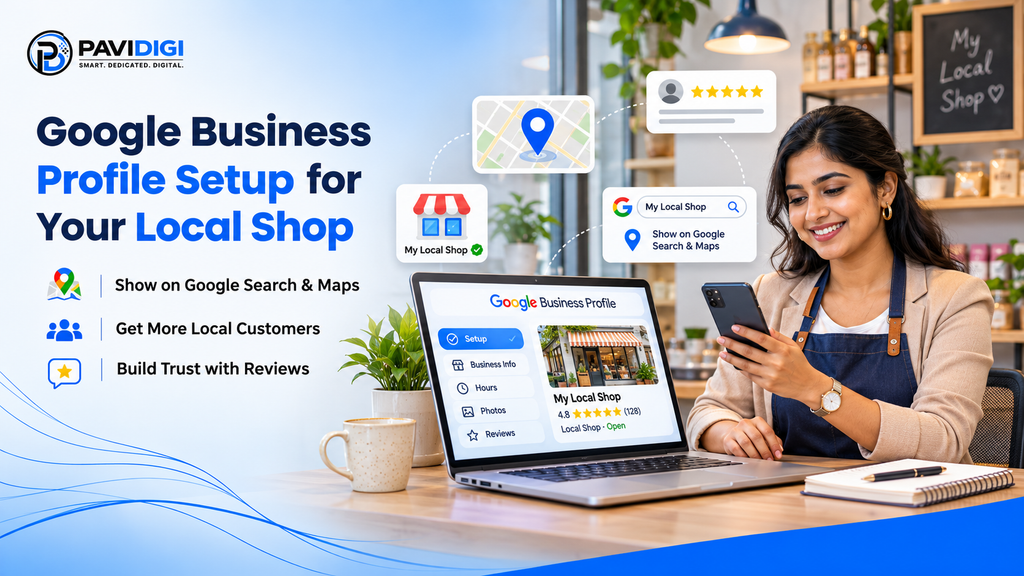
Do you own a shop or small business in Erode? When customers search for a shop or service “near me,” they often see business information on Google Search and Google Maps.
Google Business Profile Setup helps your business appear with useful information such as your shop name, phone number, location, opening hours, photos and customer reviews.
The best part is that creating a Google Business Profile is free.
What Is a Google Business Profile?
A Google Business Profile is a free tool that helps customers find and learn about your business on Google.
For example, when someone searches for a clothing shop in Erode, Google may display nearby businesses with their locations, photos, reviews and contact details.
A complete profile makes it easier for customers to contact or visit your shop.
How to Set Up Your Google Business Profile
Step 1: Create Your Business Profile
Visit Google Business Profile and sign in with your Google account.
Select the option to manage your business, enter your business name, and choose an existing listing or create a new one.
Step 2: Choose the Right Business Category
Select a category that best describes your business.
For example:
- Clothing store
- Beauty salon
- Digital marketing agency
- Grocery store
Choosing the right category helps Google understand what your business offers.
Step 3: Add Your Business Location
Enter your shop address if customers can visit your location.
If you provide services at customers’ locations, you can specify a service area, such as Erode and nearby towns, instead of publicly displaying your address when appropriate.
Step 4: Add Your Phone Number and Website
Add your business contact number so customers can call you.
If you have a website, include its link. This allows customers to explore your products and services.
Step 5: Verify Your Business
Google will ask you to verify that you manage the business.
Follow the verification method Google provides for your listing. Available methods can vary by business.
Complete verification to gain full access to your profile.
Step 6: Complete Your Business Information
After verification, add important details:
- Business opening and closing hours
- A short business description
- Shop and product photos
- Relevant services and business information
A complete Google Business Profile gives customers useful information before they contact you.
Step 7: Ask Customers for Reviews
Customer reviews help people learn about your business.
Politely ask customers to share their genuine experiences on Google. Reply professionally to both positive and negative reviews.
How to Keep Your Profile Updated
Google Business Profile Setup is only the beginning.
Keep your business information accurate and update your profile when necessary. Add fresh photos, share offers or updates, and respond to customer reviews.
This helps your profile remain useful to people searching for local businesses.
Why Is Google Business Profile Important for Erode Shops?
A Google Business Profile can help local customers:
- Find your business on Google Search and Maps
- View your location and business hours
- Call or get directions to your shop
- See photos and customer reviews
It is a useful first step for small businesses that want to improve their local online presence.
Need Help With Google Business Profile Setup?
At PaviDigi, we help Erode shops and small businesses with Google Business Profile Setup and local online visibility.
Visit pavidigi.online to learn more about our digital marketing services or contact us for a free chat about your business.